
Download to your mobile device from ProHawk.ai Cloud
How to move your media into your Photos App on your iPhone or iPad
Touch to see how to move media for Android devices.Because of security concerts, your download will be sent to special download areas on your device. If you are using an iPhone or iPad, your downloads will be sent to your Files.app Folder. Once you locate it there, you can Save it to your Photos.
The media will download to the Files app on your iPhone/iPad. Locate the downloaded media in the Files app, long press on it, and use the iOS share button to save that media to your Camera Roll - Photos.app.
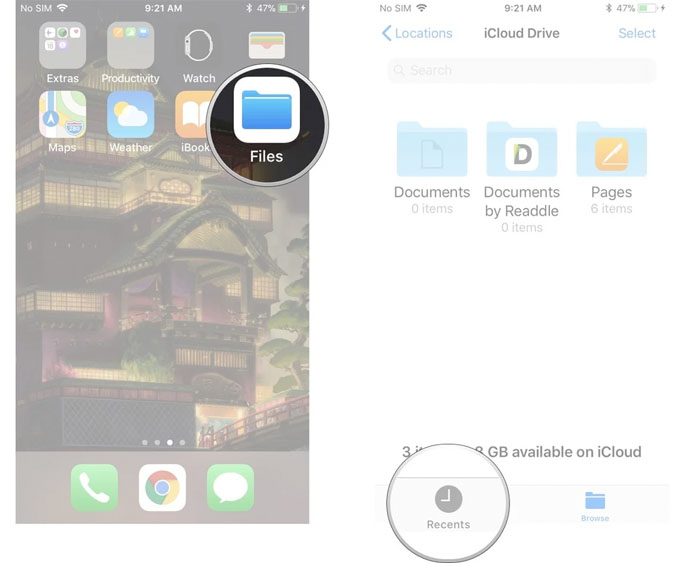 |
Find the Files.app on your iPhone. Open it and touch 'Recents.' |
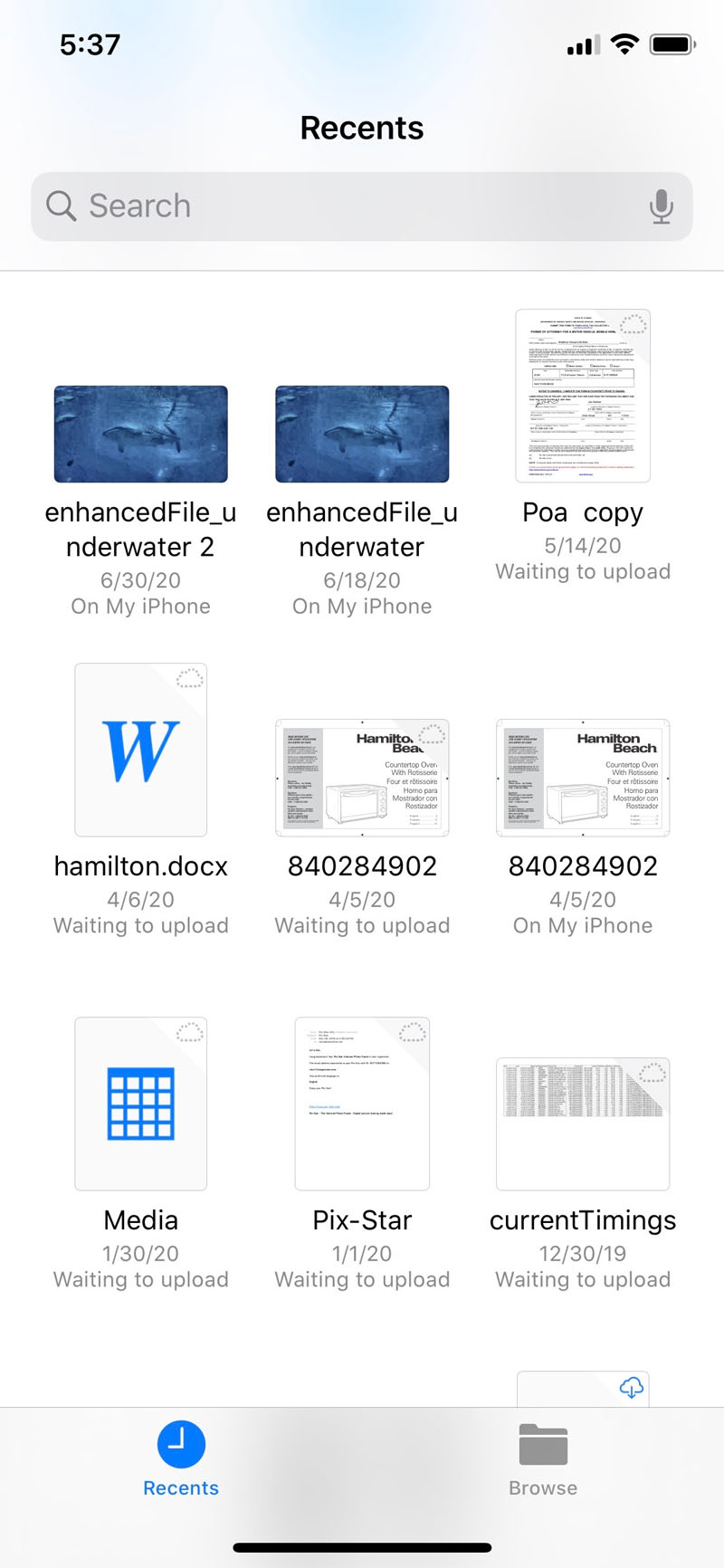 |
If you look, you will see the media that was saved there when you downloaded it to your device. In this case, the file was EnhancedFile_underwater... Once you locate it, long press on the media and you will see the following: |
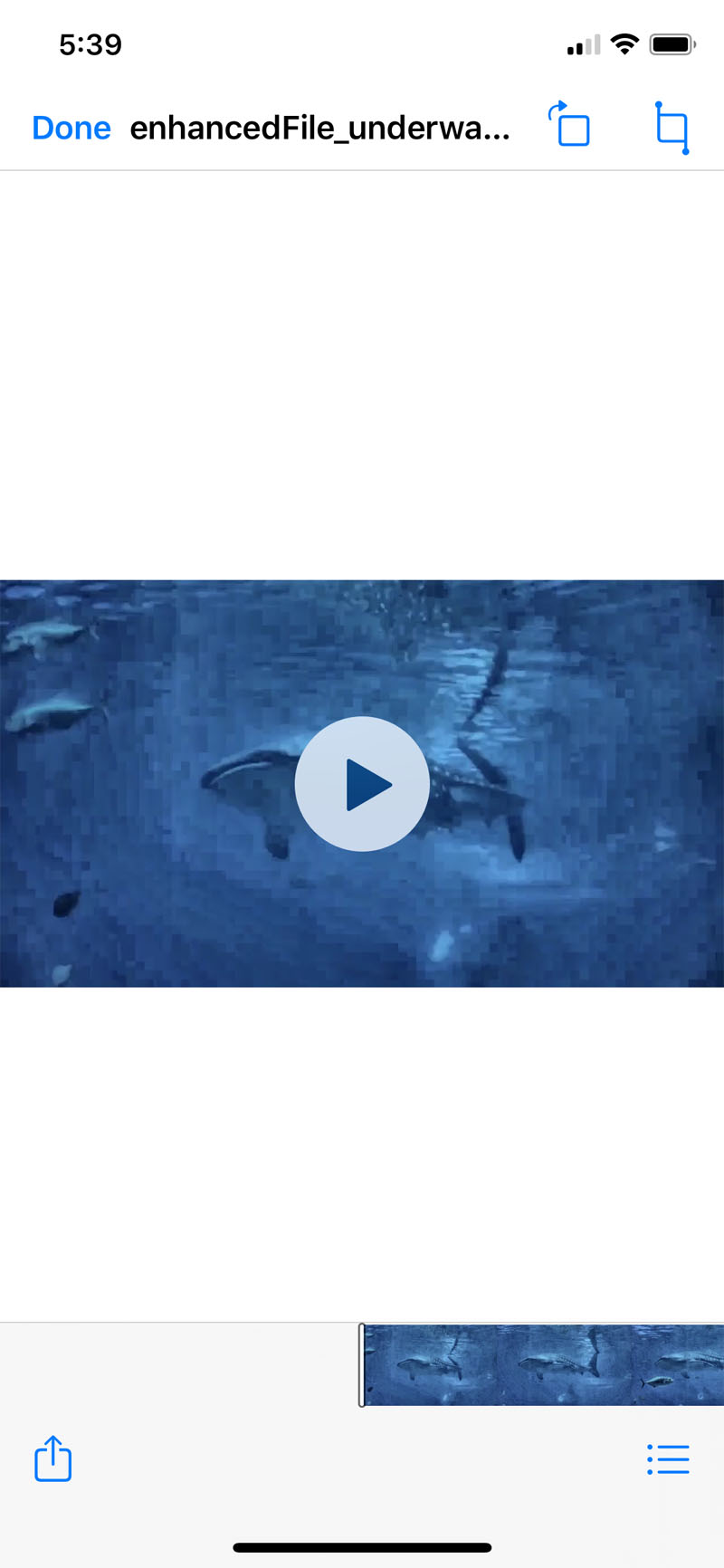 |
If you then touch the Share Icon (lower left - blue square with up arrow), you will then see the following. |
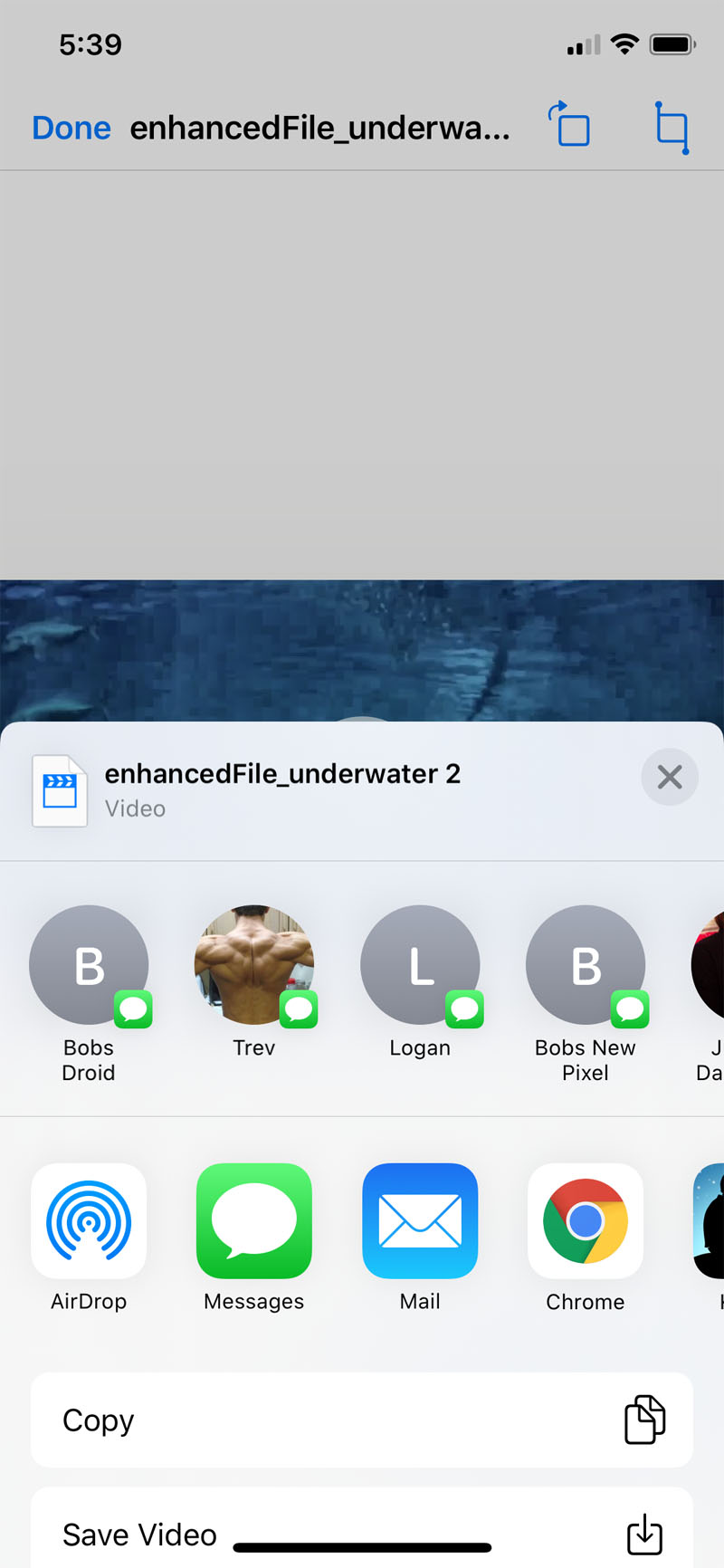 |
If you touch 'Save Video' your media will then be in your Camera Roll - Photos.app. |
How to move your media into your Google Photos on your Android Device
Because of security concerts, your download will be sent to special download areas on your device. If you are using an Android device, your downloads will be sent to your Files application folder. Once you locate it there, you can Save it to your Google's Photos.
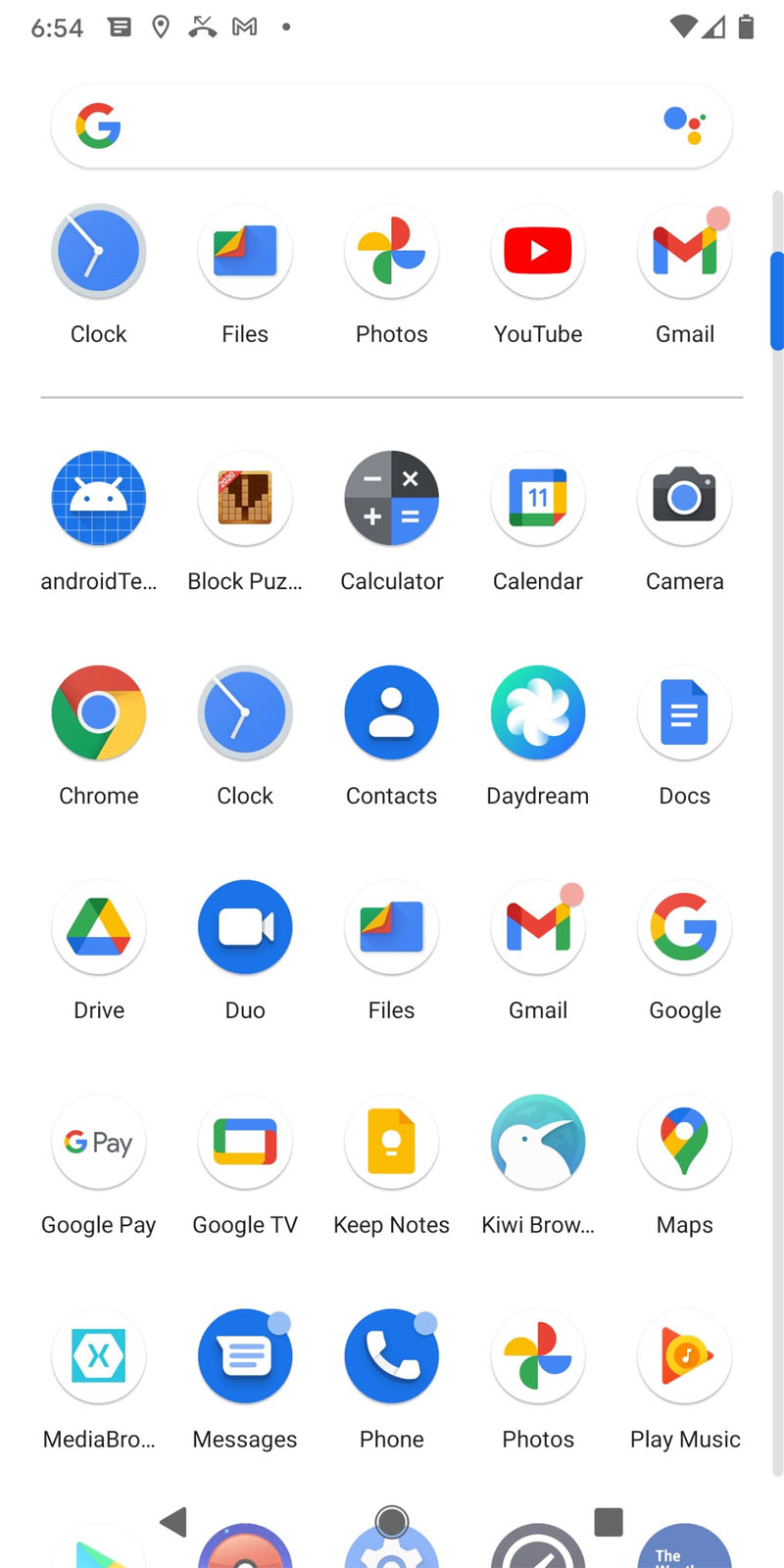 |
Find the Files.app on your Android Device. Open it look at 'Recents.' You may see 'Screenshots, 'Downloads' for both video and images.
|
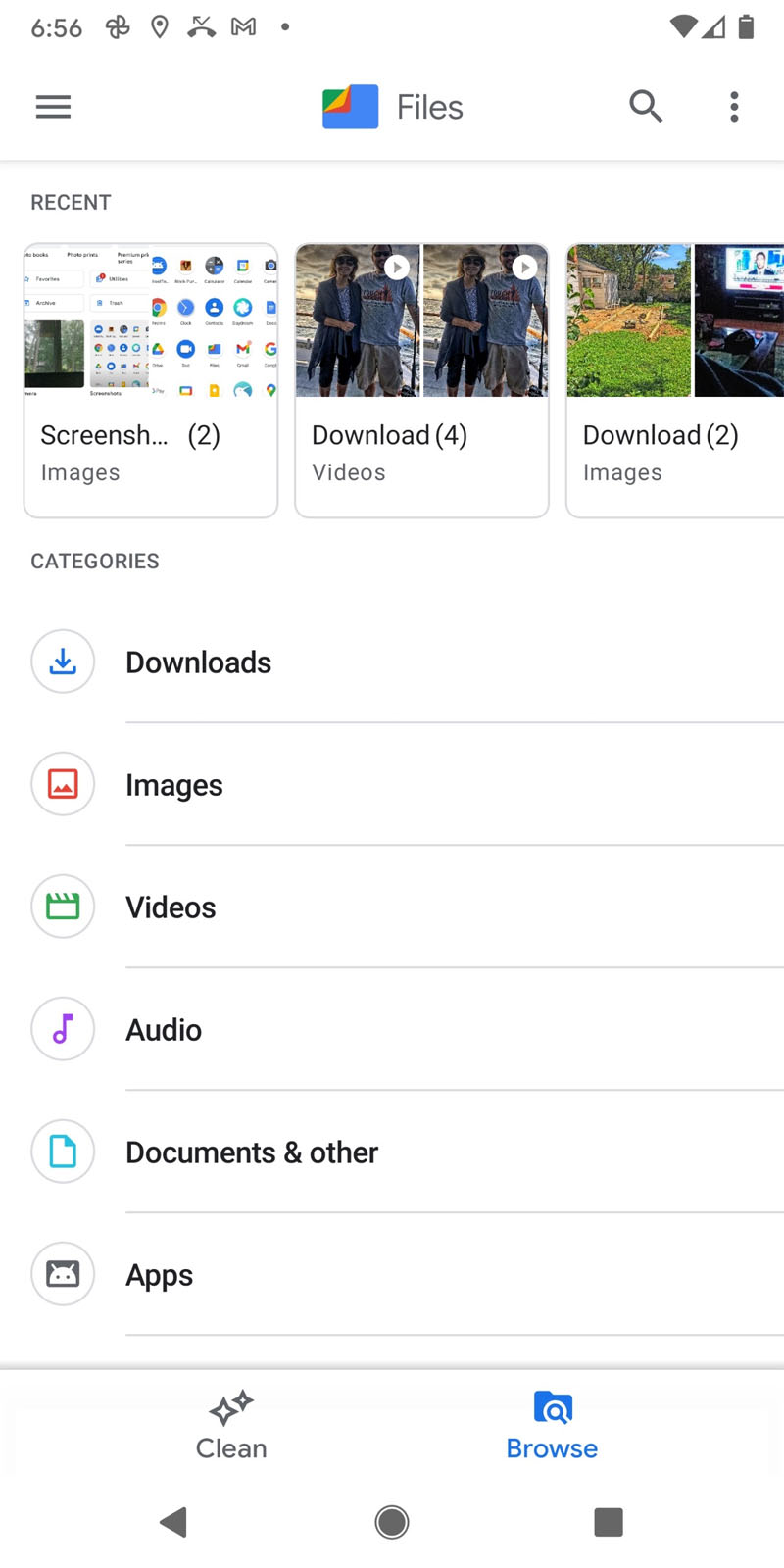 |
You may see the most recent media, and you can choose that. You can also touch on any of the folders that show, Downloads, Images, Videos to access those items. |
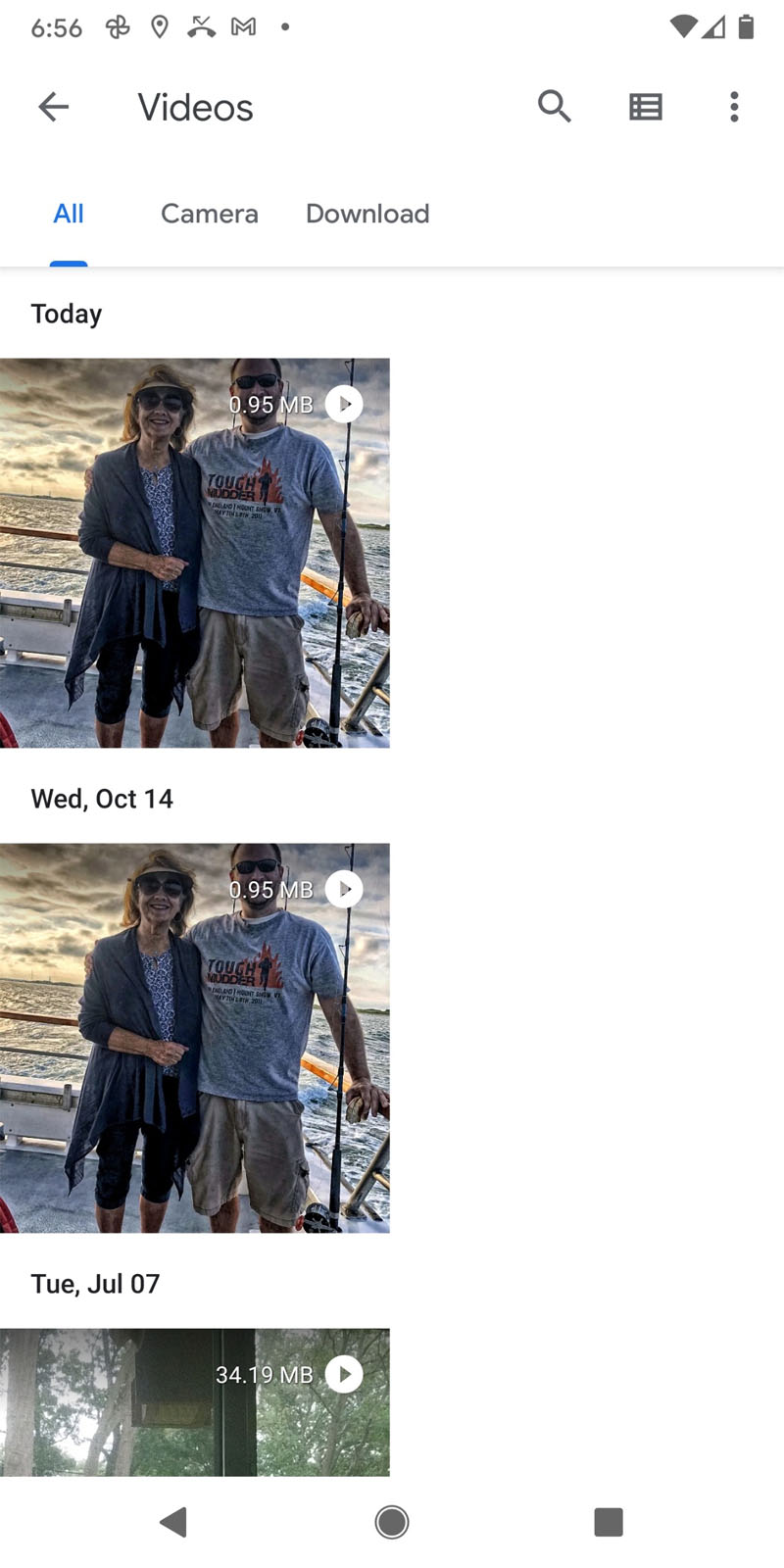 |
Selecting the Video folder you will see all the videos that have been downloaded. |
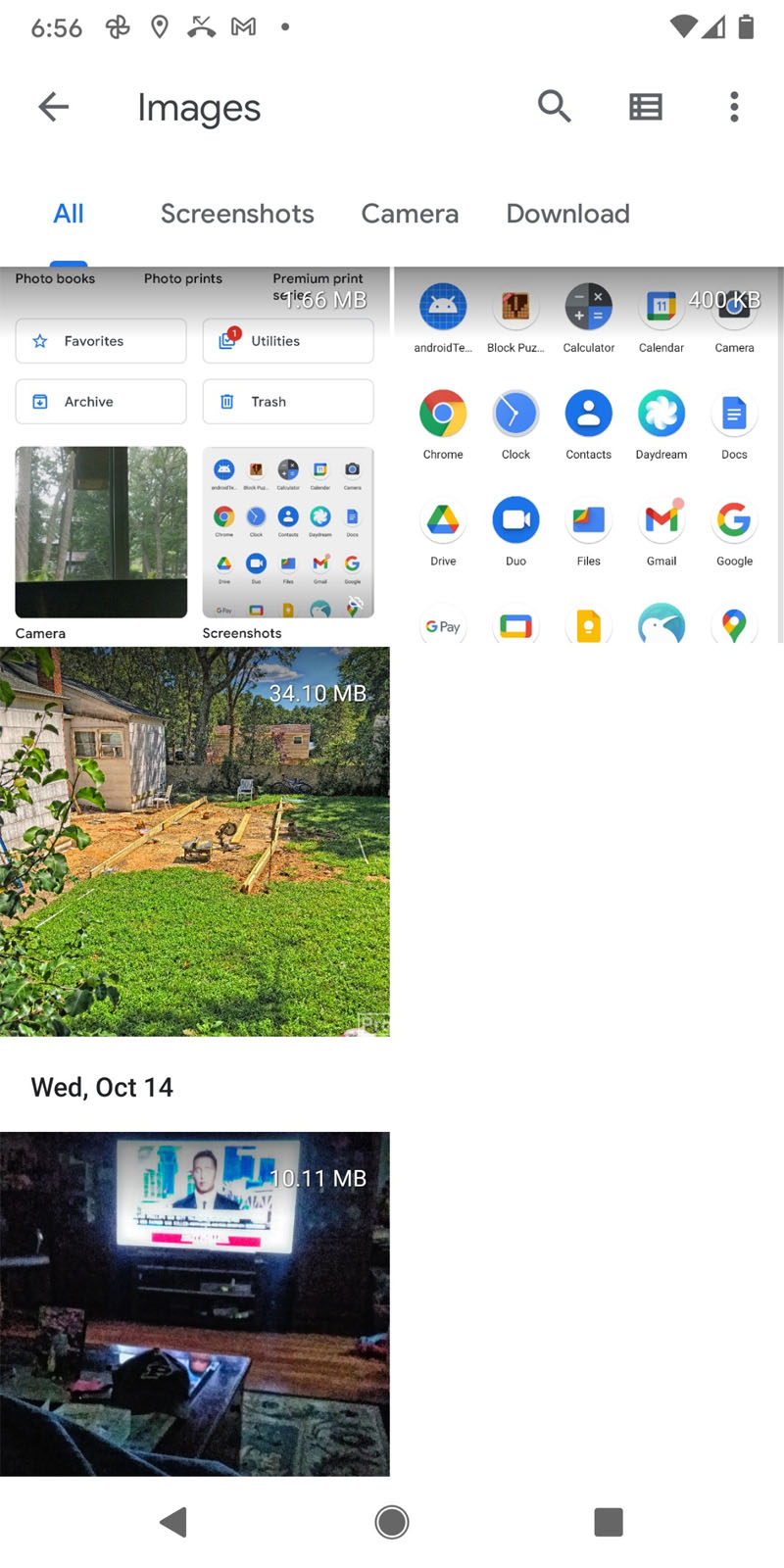 |
Selecting the Images folder, you will see all the images downloaded. |
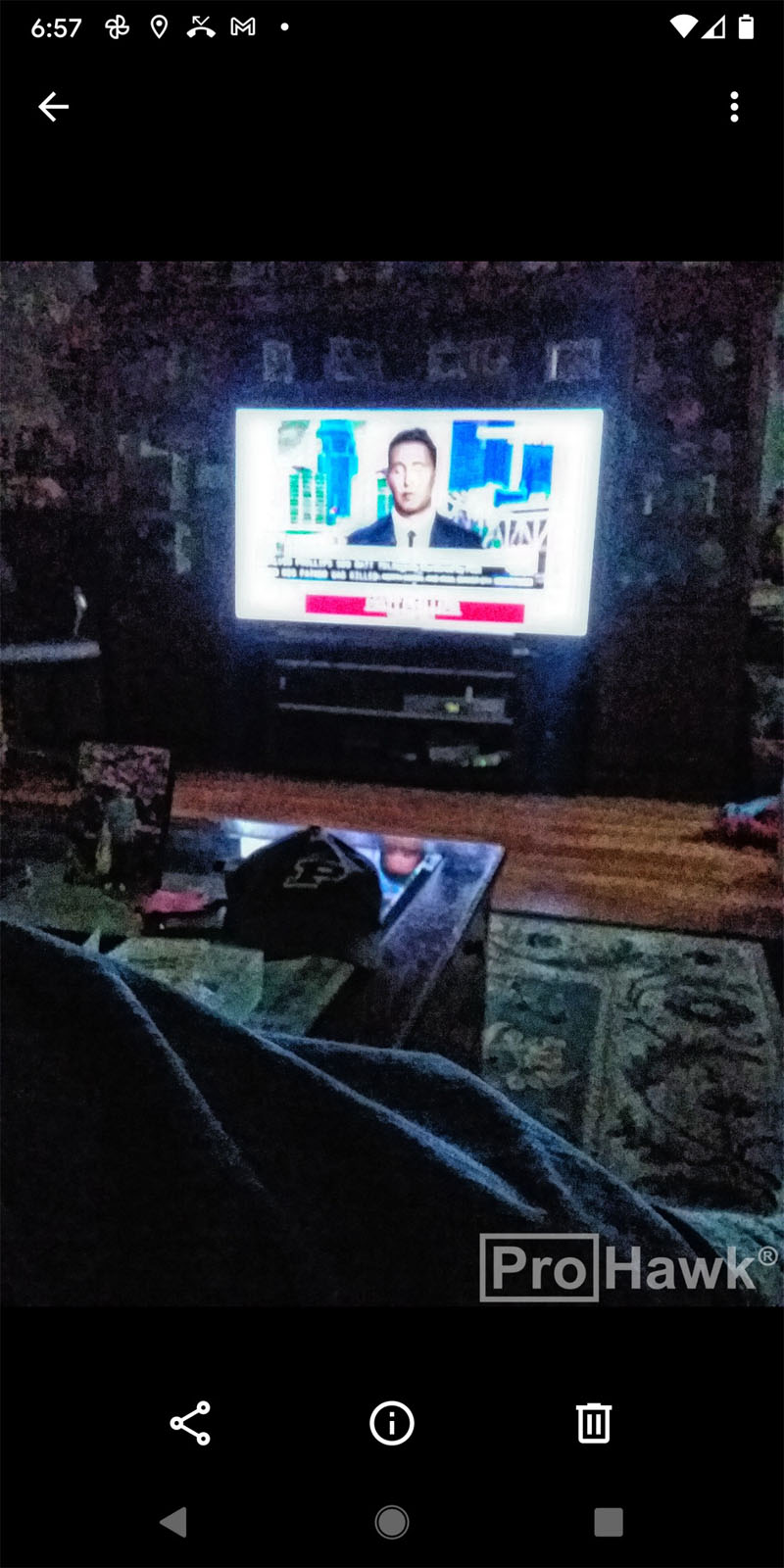 |
If you select the media you will see it full screen and you can touch on the Share link (triangular icon) to allow you to share the media. |
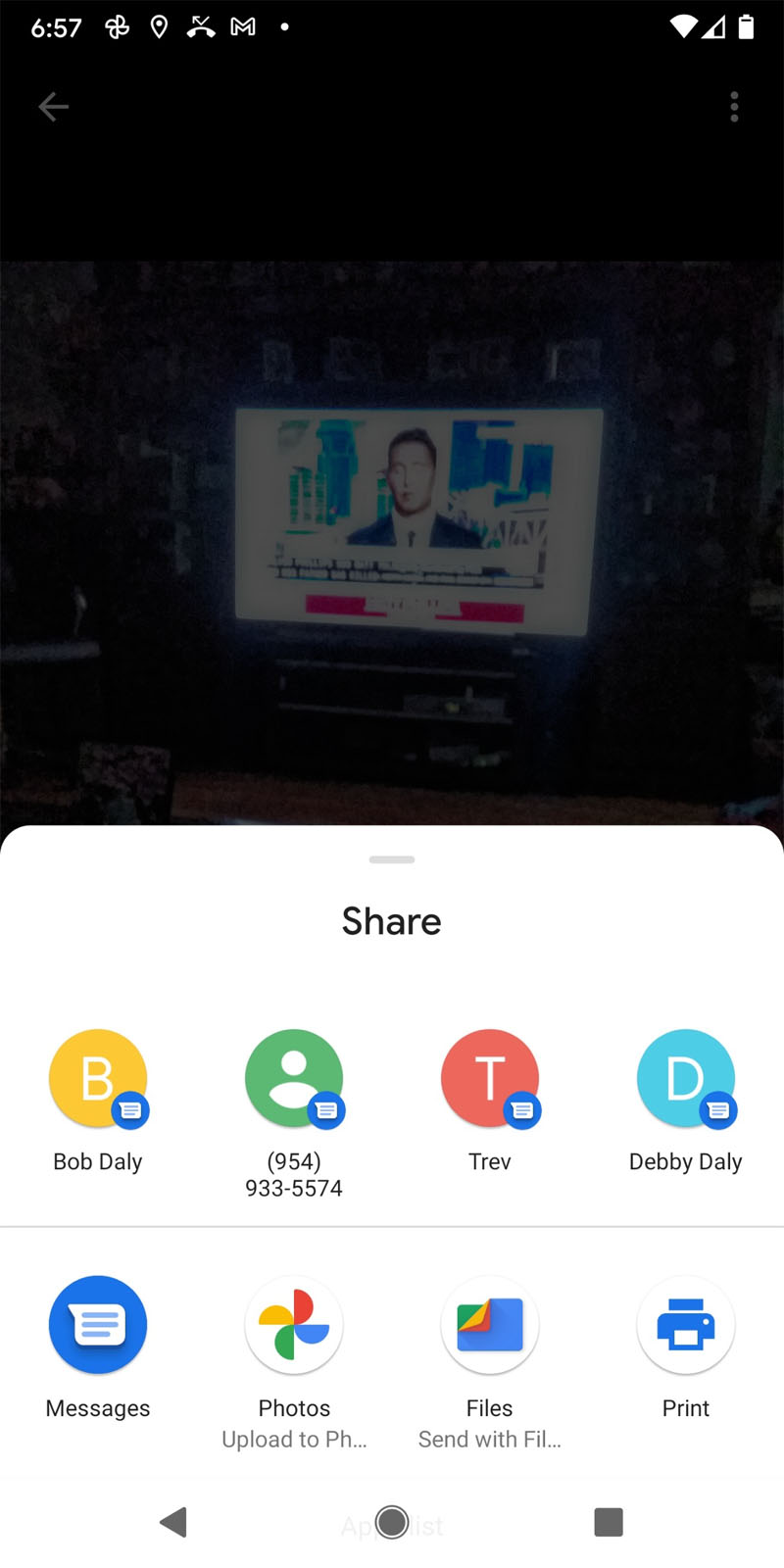 |
The Share icon allows you to save the media into your Google Photos or anywhere else you would like to share. |
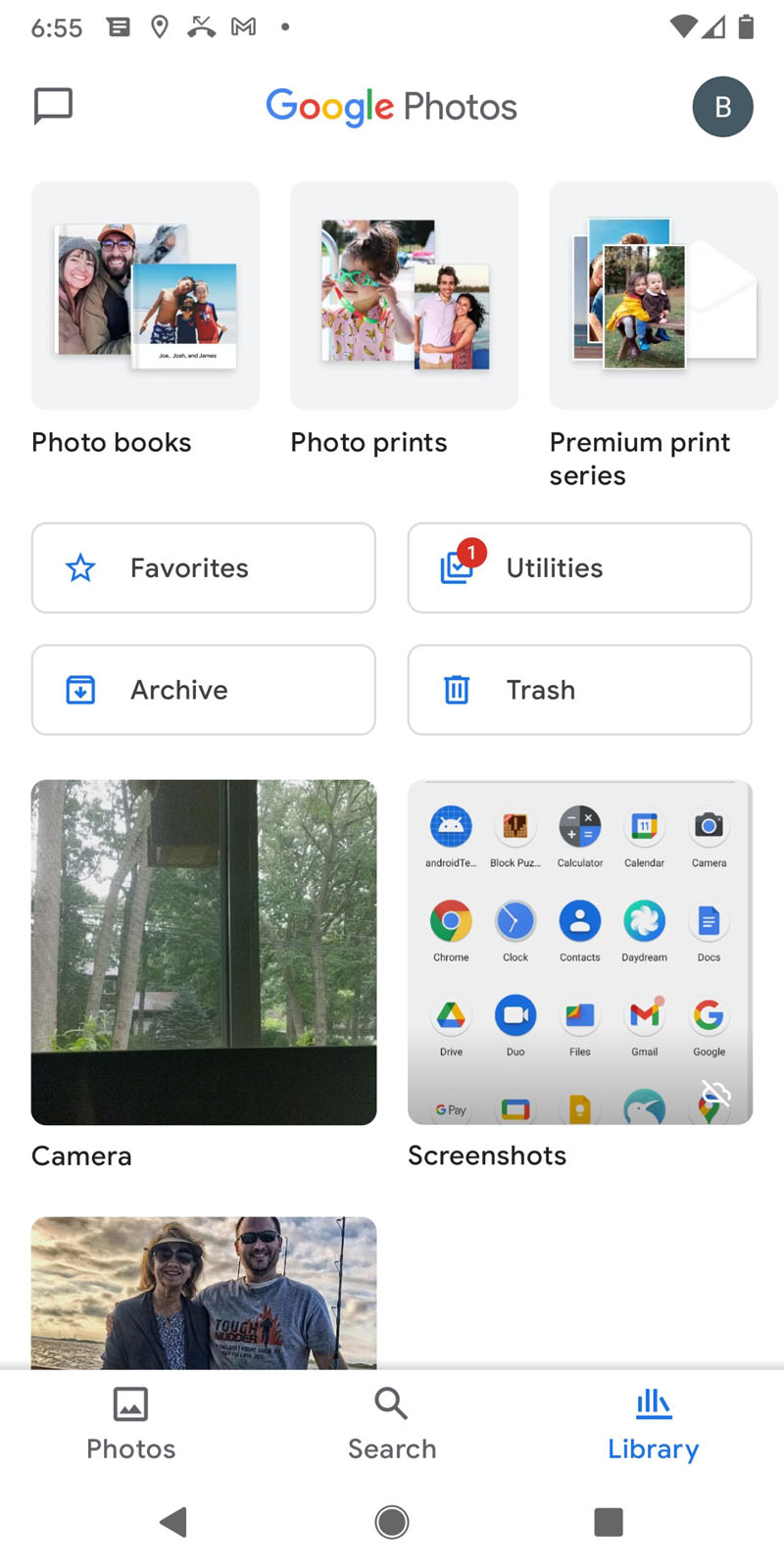 |
And now the media is in your Google Photos folder. |